



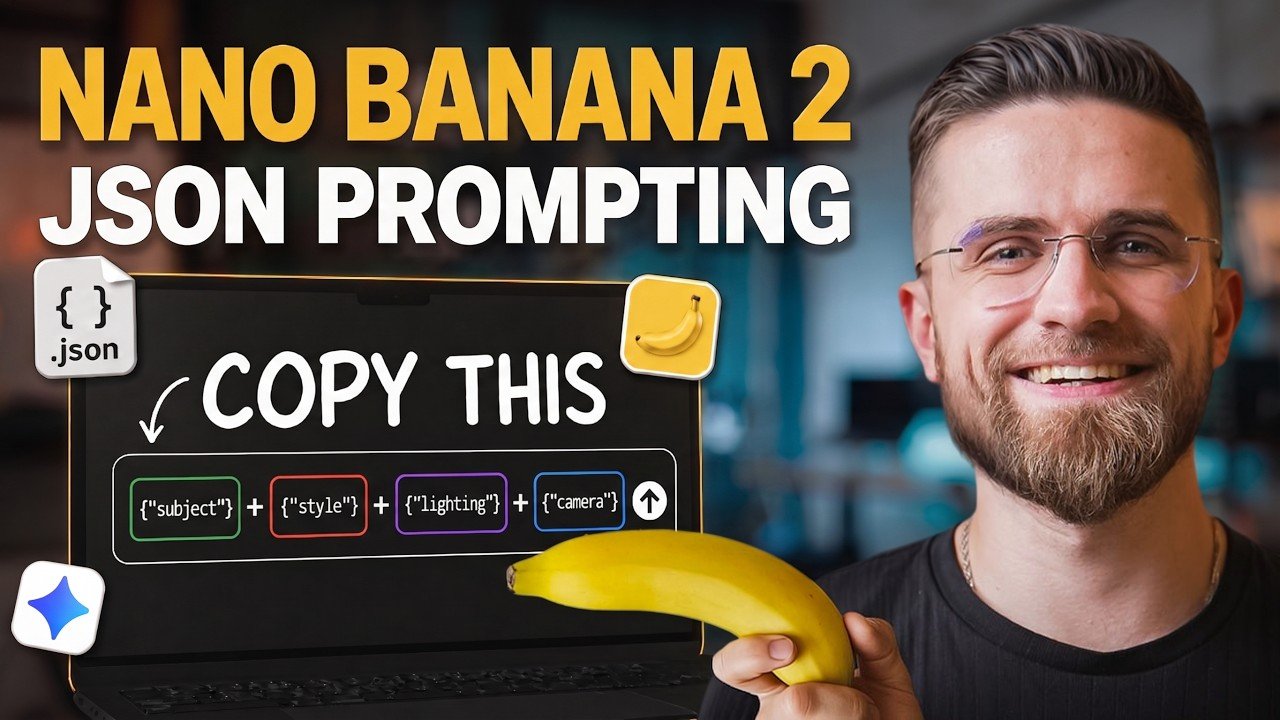
Mastering JSON prompt engineering with Nano Banana 2 (NB2) offers a structured method for refining AI-generated content. According to AI Master, JSON organizes data into labeled fields such as “lighting” or “subject,” allowing users to make specific adjustments without affecting unrelated elements. For instance, modifying the “lighting” field in a JSON prompt preserves the subject and background, making sure consistency across outputs. This approach replaces guesswork with a more systematic and efficient workflow for creators.
Discover how to use JSON and NB2 to streamline AI-driven content creation. Learn to maintain character consistency, perform object replacements and execute style transfers with precision. Gain insight into NB2’s integration with Gemini for real-time web access and targeted edits. Additionally, explore how timestamped JSON fields can help structure multi-shot video sequences for smoother transitions.
Why JSON is Crucial in AI Prompt Engineering
TL;DR Key Takeaways :
- JSON provides a structured and precise way to create high-quality AI-generated images and videos by isolating and modifying specific elements like lighting or subject without affecting the overall composition.
- Nano Banana 2 (NB2) integrates seamlessly with JSON, offering advanced tools like real-time web access and compatibility with Gemini for targeted edits and enhanced customization.
- JSON enables advanced applications such as style transfer, character consistency, object replacement and camera perspective transfer, making sure visual continuity and efficiency in AI workflows.
- JSON prompts can now be extended to video creation with VO3.1, allowing precise control over motion, duration and audio for cohesive storytelling and high-quality results.
- Best practices for effective JSON use include limiting reference images, using concise descriptions and incrementally adjusting fields to maintain accuracy and control in AI projects.
JSON is a lightweight, structured data format that organizes information into clearly defined fields, such as “subject,” “lighting,” or “camera.” Unlike traditional text-based prompts, JSON allows you to isolate and modify individual elements without causing unintended changes to other aspects of the composition. This precision is invaluable for achieving consistent and reproducible results.
For example, if you want to adjust the lighting in an image, you can modify only the “lighting” field in your JSON prompt. This ensures that other elements, such as the subject or background, remain unaffected. By using JSON, you can create a streamlined workflow that minimizes errors and maximizes control, making it an indispensable tool for AI content creators.
How Nano Banana 2 Enhances JSON Workflows
Nano Banana 2 (NB2) is specifically designed to integrate seamlessly with JSON, offering advanced tools for generating both images and videos. One of its standout features is its compatibility with Gemini, a tool that extracts detailed object and scene data from images and converts it into JSON structures. This capability allows for targeted edits, such as changing an object’s color or material, without altering the entire composition.
NB2 also supports real-time web access, allowing users to incorporate current trends, styles, or products into their prompts. This feature is especially valuable for industries like marketing, design and e-commerce, where staying relevant is critical. By combining JSON’s precision with NB2’s advanced capabilities, users can achieve a level of customization and efficiency that is difficult to match.
Explore further guides and articles from our vast library that you may find relevant to your interests in JSON.
Advanced Applications of JSON in AI Content Creation
JSON’s versatility opens up a wide range of possibilities for advanced AI workflows. Here are some practical applications that demonstrate its potential:
- Style Transfer: Use JSON fields to extract and replicate specific photography techniques, such as lighting setups or lens types, across multiple projects. This ensures visual consistency and saves time.
- Character Consistency: Create a “character bible” in JSON format to maintain uniform character features, clothing and expressions across scenes. This is particularly useful for storytelling and animation projects.
- Object Replacement: Merge JSON data from different objects to swap items while preserving contextual elements like lighting, shadows and perspective.
- Camera Perspective Transfer: Apply camera settings, such as focal length and depth of field, from one image to another to achieve seamless visual continuity across a series of images.
Using JSON for Video Generation
With the introduction of VO3.1, JSON prompts can now be extended to video creation, offering precise control over elements such as motion, duration and audio. By structuring scenes with timestamp-based JSON fields, users can sequence multi-shot videos with smooth transitions and cohesive storytelling.
For instance, a JSON prompt for video creation might include:
- A “motion” field to define character movements and interactions.
- A “duration” field to specify the length of each scene or shot.
- An “audio” field to integrate background music, sound effects, or dialogue.
This structured approach simplifies complex video projects, making them more manageable while making sure high-quality results.
Tips for Effective JSON Use
To maximize the benefits of JSON in your AI workflows, consider the following best practices:
- Limit reference images to six to maintain accuracy and avoid overwhelming the model with conflicting inputs.
- Use concise text descriptions when incorporating reference photos to ensure clarity and prevent misinterpretation.
- Adjust JSON fields incrementally to preserve the integrity of your composition and avoid unintended changes.
These strategies will help you maintain control over your projects while achieving consistent and professional results.
Model-Specific Considerations and Professional Applications
While JSON works exceptionally well with NB2 and Gemini, it may not perform as effectively with other models, such as Midjourney. For complex scenes requiring detailed reasoning, Gemini’s “thinking” mode is particularly useful. This feature enables the model to analyze intricate relationships between objects and settings, delivering more nuanced and accurate results.
For professional workflows, saving and reusing JSON templates can significantly enhance efficiency and consistency. Pairing NB2 for rapid iterations with Nano Banana Pro for high-fidelity outputs ensures both speed and quality in your projects. This combination is ideal for industries such as marketing, film production and digital art, where precision and repeatability are paramount.
By mastering JSON and using the capabilities of Nano Banana 2, you can unlock the full potential of AI-generated content. This structured approach enables you to achieve precise, repeatable and efficient results, elevating your creative projects to new levels of quality and professionalism.
Media Credit: AI Master
Filed Under: AI, Guides
If you buy something through one of these links, Geeky Gadgets may earn an affiliate commission. Learn about our Disclosure Policy.