


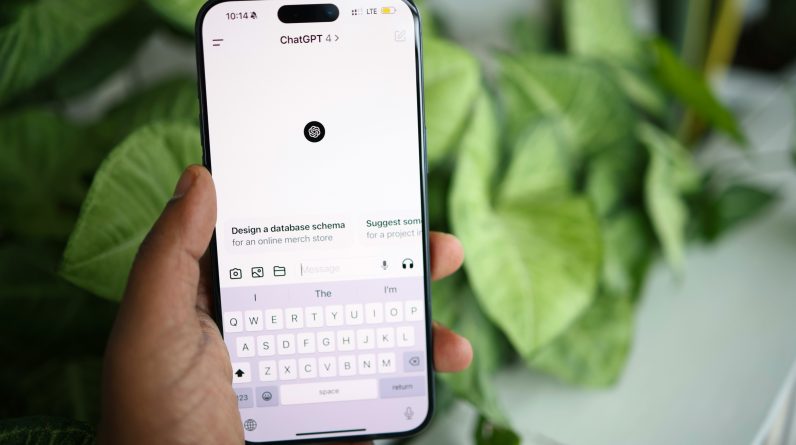
ChatGPT is now integrated into Microsoft PowerPoint, giving users a new way to build presentations through natural-language prompts.
The update introduces a more practical form of AI PowerPoint assistance, allowing users to create slides, revise existing decks, and streamline presentation work without starting from scratch. As AI tools continue moving into workplace software, presentation automation is becoming part of everyday office productivity.
The integration also reflects a broader shift in how people approach an AI workflow. Instead of manually organizing every slide, users can ask ChatGPT to draft outlines, summarize information, and refine presentation text directly inside PowerPoint.
With support for connected services like Gmail, Outlook, and SharePoint, the feature is designed to make AI slide creation faster and more connected to existing work environments.
What ChatGPT Can Do In PowerPoint for AI Slide Creation
The new AI PowerPoint integration allows users to create presentation slides using simple text prompts. Users can describe a topic, request a presentation style, or ask for summarized content, and ChatGPT can generate slide-ready material that fits the request.
This makes AI slide creation faster and more accessible for people who do not want to build presentations entirely from scratch. ChatGPT can also edit existing PowerPoint decks by revising wording, restructuring sections, and updating outdated content without requiring a full rebuild.
The feature also supports a broader AI workflow through integrations with services such as Gmail, Outlook, and SharePoint. Instead of manually gathering information across multiple apps, users can pull connected content directly into presentations while staying inside PowerPoint. Currently available in beta for many OpenAI users, including some free-tier and ChatGPT Business accounts, the integration reflects a growing trend toward presentation automation and AI tools becoming standard parts of office productivity software.
Why ChatGPT in PowerPoint Matters for AI Workflow Efficiency
The new AI PowerPoint integration allows users to create presentation slides using simple text prompts. Users can describe a topic, request a presentation style, or ask for summarized content, and ChatGPT can generate slide-ready material that fits the request.
This makes AI slide creation faster and more accessible for people who do not want to build presentations entirely from scratch. ChatGPT can also edit existing PowerPoint decks by revising wording, restructuring sections, and updating outdated content without requiring a full rebuild.
The feature also supports a broader AI workflow through integrations with services such as Gmail, Outlook, and SharePoint. Instead of manually gathering information across multiple apps, users can pull connected content directly into presentations while staying inside PowerPoint.
Currently available in beta for many OpenAI users, including some free-tier and ChatGPT Business accounts, the integration reflects a growing trend toward presentation automation and AI tools becoming standard parts of office productivity software.
Who Benefits Most From ChatGPT and Presentation Automation
Frequent presenters are expected to benefit the most from AI slide creation features inside PowerPoint. Employees, students, trainers, and project managers who regularly build presentations can use ChatGPT to create outlines faster and reduce repetitive drafting work. The integration supports an existing AI workflow without forcing users to change how they already use PowerPoint, making presentation automation easier to adopt in daily tasks.
Business users may also find strong value in the feature because it works closely with Microsoft 365 services such as Outlook and SharePoint. Teams can collect information more efficiently and generate presentations with fewer manual steps, helping improve office productivity while still keeping human review in place.
Even with advanced AI tools, ChatGPT works best as a drafting assistant rather than a replacement for human decision-making, since users still need to review facts, branding, and slide design before sharing a finished presentation.
A New Step For AI-Assisted Presentations
The arrival of ChatGPT inside PowerPoint shows how AI tools are becoming more deeply connected to everyday office productivity. By supporting AI slide creation, editing, and connected workflows, the feature gives users a faster way to build presentations while reducing repetitive work. Instead of treating presentations as entirely manual projects, PowerPoint is moving toward a more automated and conversational workflow.
The update also signals a larger change in how workplace software is evolving. AI PowerPoint features are no longer experimental additions but practical tools designed to support real presentation tasks. For users building an AI workflow around content creation and presentation automation, ChatGPT’s integration into PowerPoint represents another step toward faster and more connected office tools.